Skip to content

sbhs@csclub:~$ 2026–27 school year

South Brunswick High School Computer Science Club

Student-led coding workshops, projects, and hackathons at South Brunswick High School. Start with no experience, or bring what you already know.

Class codeb2bvgeri
After school on selected Tuesdaysrooms

Next meeting

Meetings

After school on selected Tuesdays. See every date in the calendar below.

  • When: After school on selected Tuesdays
  • Bring: A charged laptop
  • Getting home: Pickup around 4:00 PM. Late bus at 4:15 PM.

Dates can change. Check Google Classroom for updates. All dates

Where to go

Workshop rooms
WorkshopRoom
Intro to PythonDLC / Annex 311
Finance + Quantitative Computing301
Making Music with Python304
Competitive Programming & Algorithms300
Intro to Control Systems309

~/workshops · 2026–27

Workshops

Pick one workshop for the first five meetings. Student leads teach it in their own room, and you finish with something you built. For the last five meetings, you choose something new. Rooms and experience levels are listed for each.

  1. Intro to Python

    Write your first Python programs one idea at a time, and grow them into a project you present with your group.

    No experience neededLeads: Ishanya M., Parasme K., Darsh S., Rohan P.
    RoomDLC / Annex 311
  2. Finance + Quantitative Computing

    Use Python to read real stock-price data, calculate statistics, and graph what happened.

    Beginner-friendlyLeads: Gowri S., Namrata P.
    Room301
  3. Making Music with Python

    Write Python that plays notes, melodies, and scales, then render a short tune of your own as an audio file.

    A little Python helpsLeads: Daksh G., Haripranav Y.
    Room304
  4. Competitive Programming & Algorithms

    Learn to read a problem, spot its limits, and pick an approach fast enough to pass, then try it in a mini-contest.

    Some coding experienceLeads: Abhiram D., Nikhil G., Aarush S., Arav B.
    Room300
  5. Intro to Control Systems

    Learn how machines sense, decide, and correct themselves: filter noisy sensor data, tune a cruise-control simulation, and try it on a real robot.

    Programming experience neededLeads: Shubh K., Samuel A., Raghuram D.
    Room309

Past workshops, 2023–24 to 2025–26

~/meetings

What a meeting looks like

  1. 01

    Go to your room

    Head straight to your workshop's room after school with a charged laptop.

  2. 02

    Learn it live

    The leads teach a short lesson and code it in front of you.

  3. 03

    Try it yourself

    Practice problems first, then time on your project. Leads walk around to help.

  4. 04

    Build something

    Each workshop works toward a project, like a Python stats program or a cruise-control simulation.

How the year works

$ ./how-cs-club-works

  1. 1. Join CS Club (Google Classroom)
  2. 2. Choose a workshop
  3. 3. Learn + build for 5 meetings
  4. 4. Complete your project
  5. 5. Choose something new for the last 5 meetings

# from the 2026–27 kickoff slides

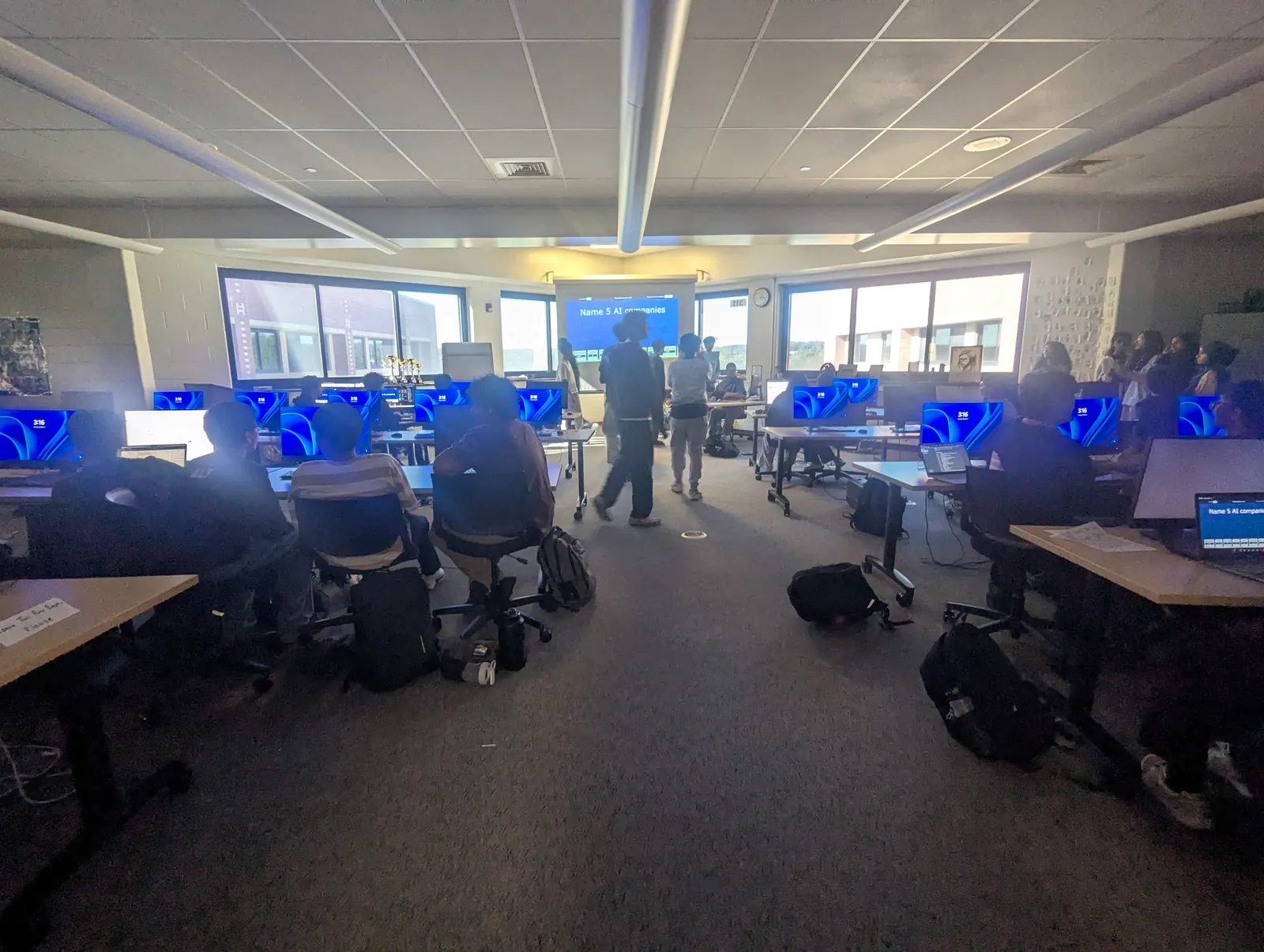
Wide view of a computer lab with rows of monitors, students at the desks, and a slide on the projector.
A full computer lab on kickoff day.
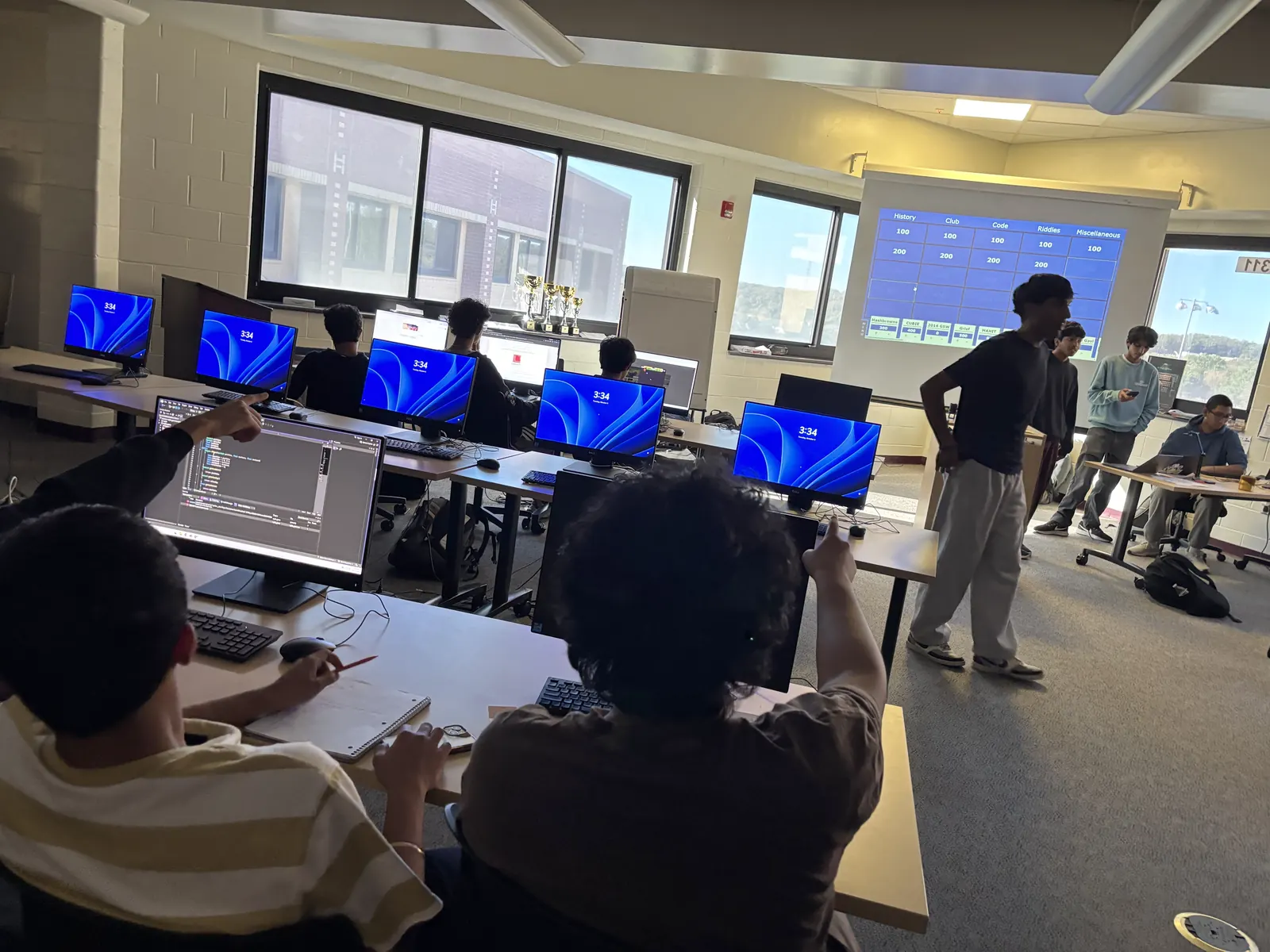
Students at computer desks face a projected trivia board with categories and point values.
Trivia on the projector during the kickoff.
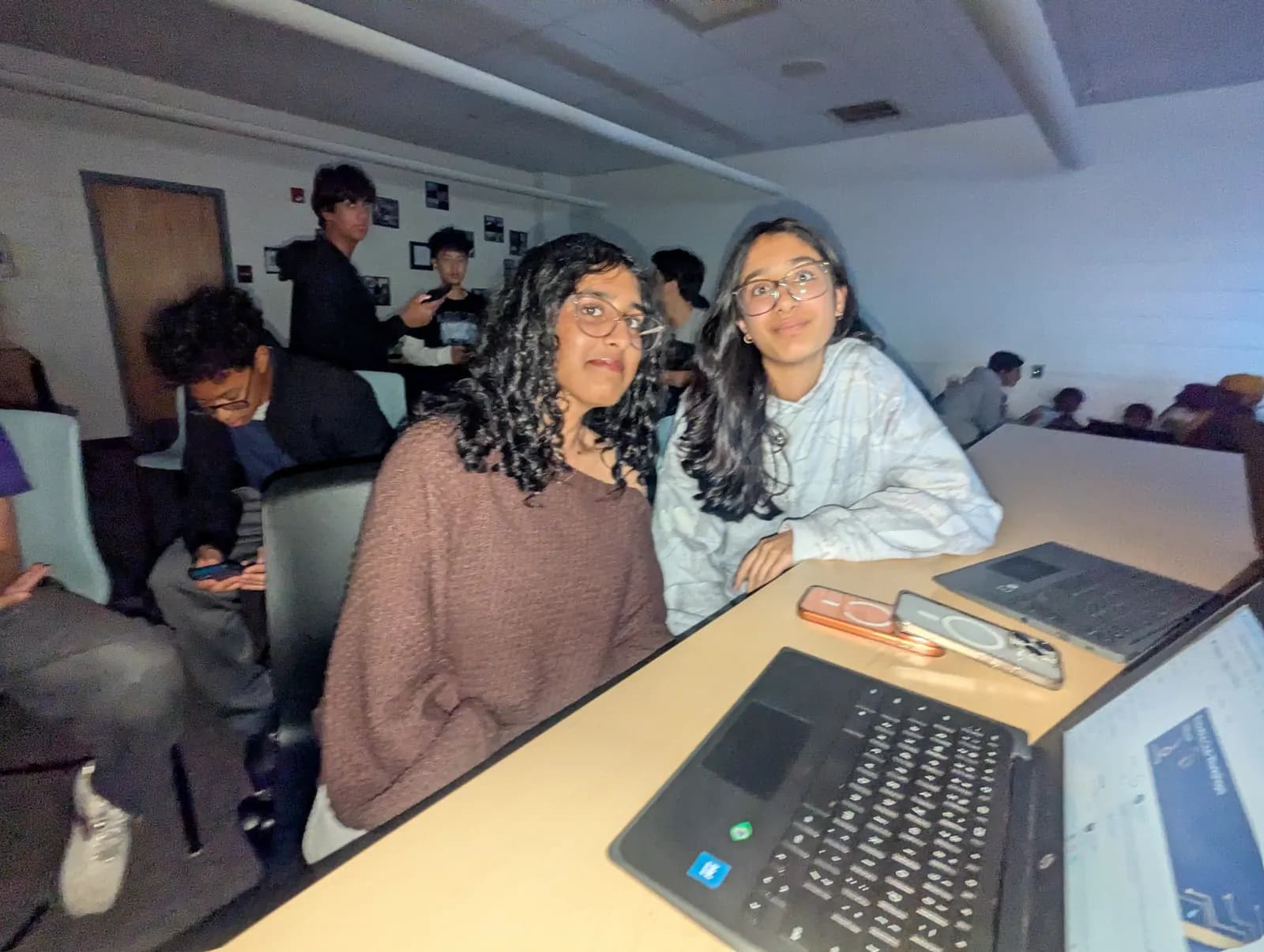
Two students smile at the camera from a table with their laptops open.
Laptops out at the kickoff.

~/events

Events

Our own hackathons, plus outside competitions that members can enter.

Coming up

2026–27 Hackathon

Date not announced yet. The board hasn't set a date. It will be posted in Google Classroom when it's confirmed.

Past eventMarch 2026

CS Club Hackathon 2025–26

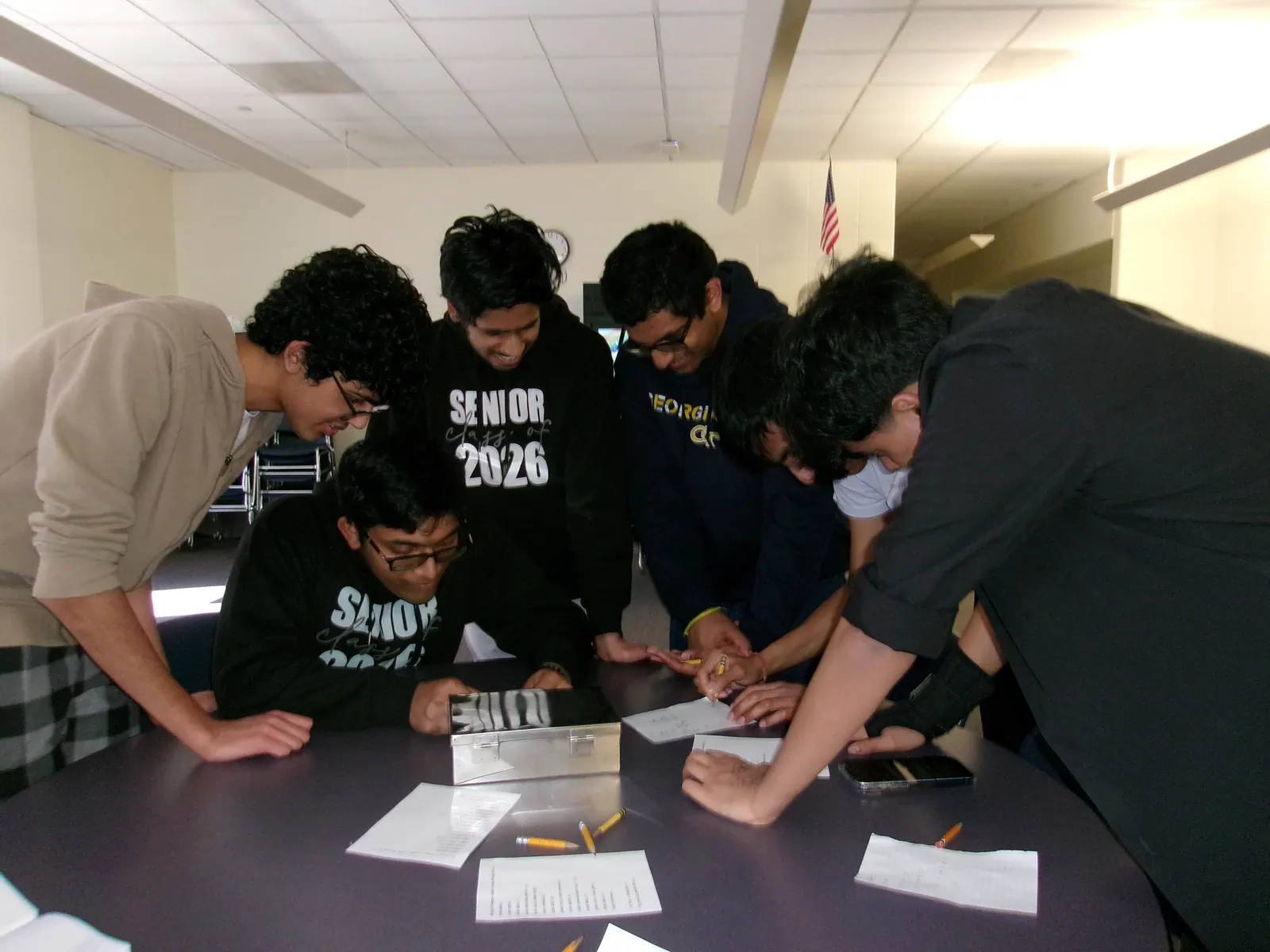
Students formed small teams, took over the cafeteria tables, and built projects on their laptops. Between coding sessions, teams crowded around a lockbox puzzle with paper clues.

Photos and video from the hackathon
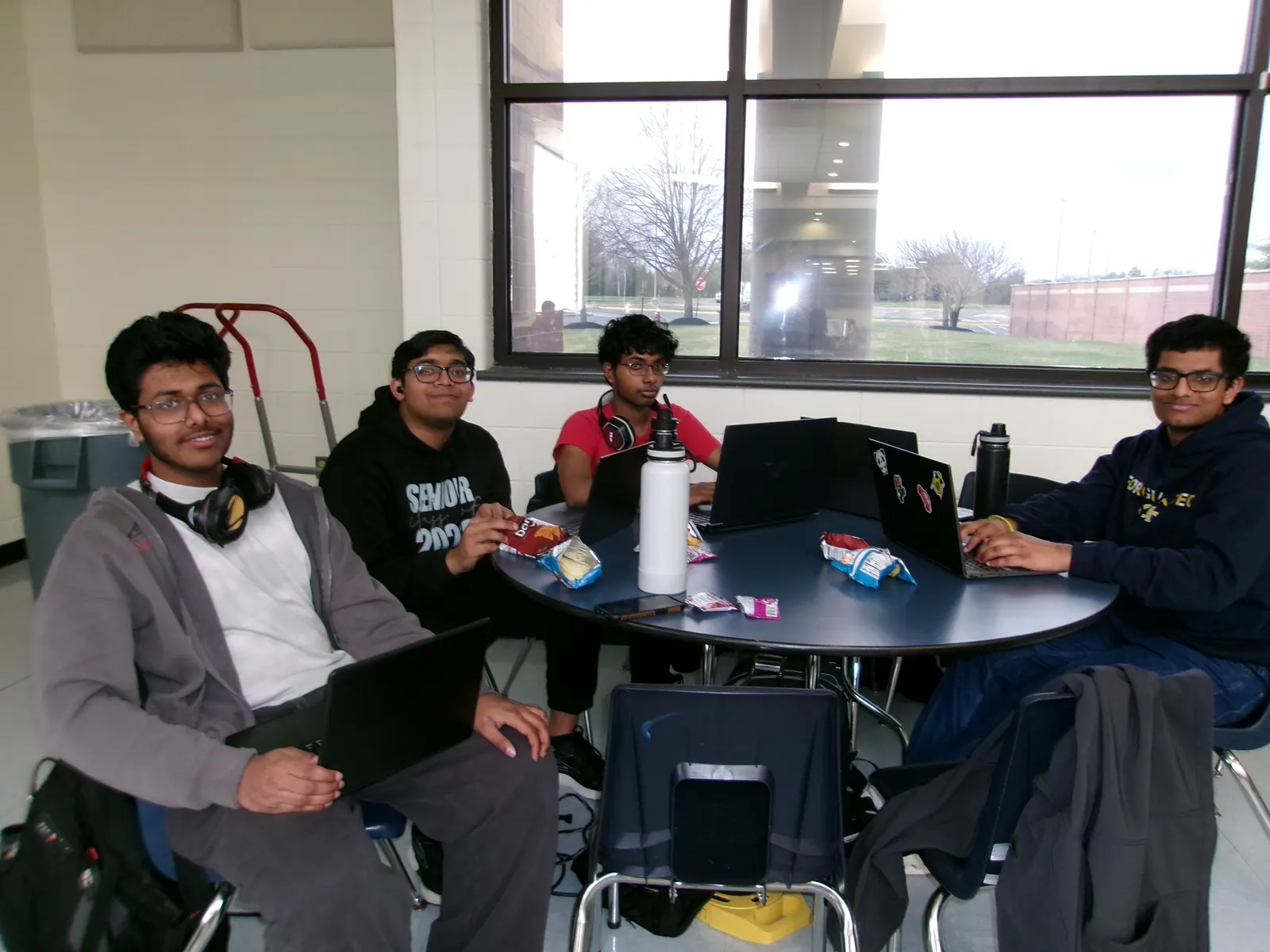
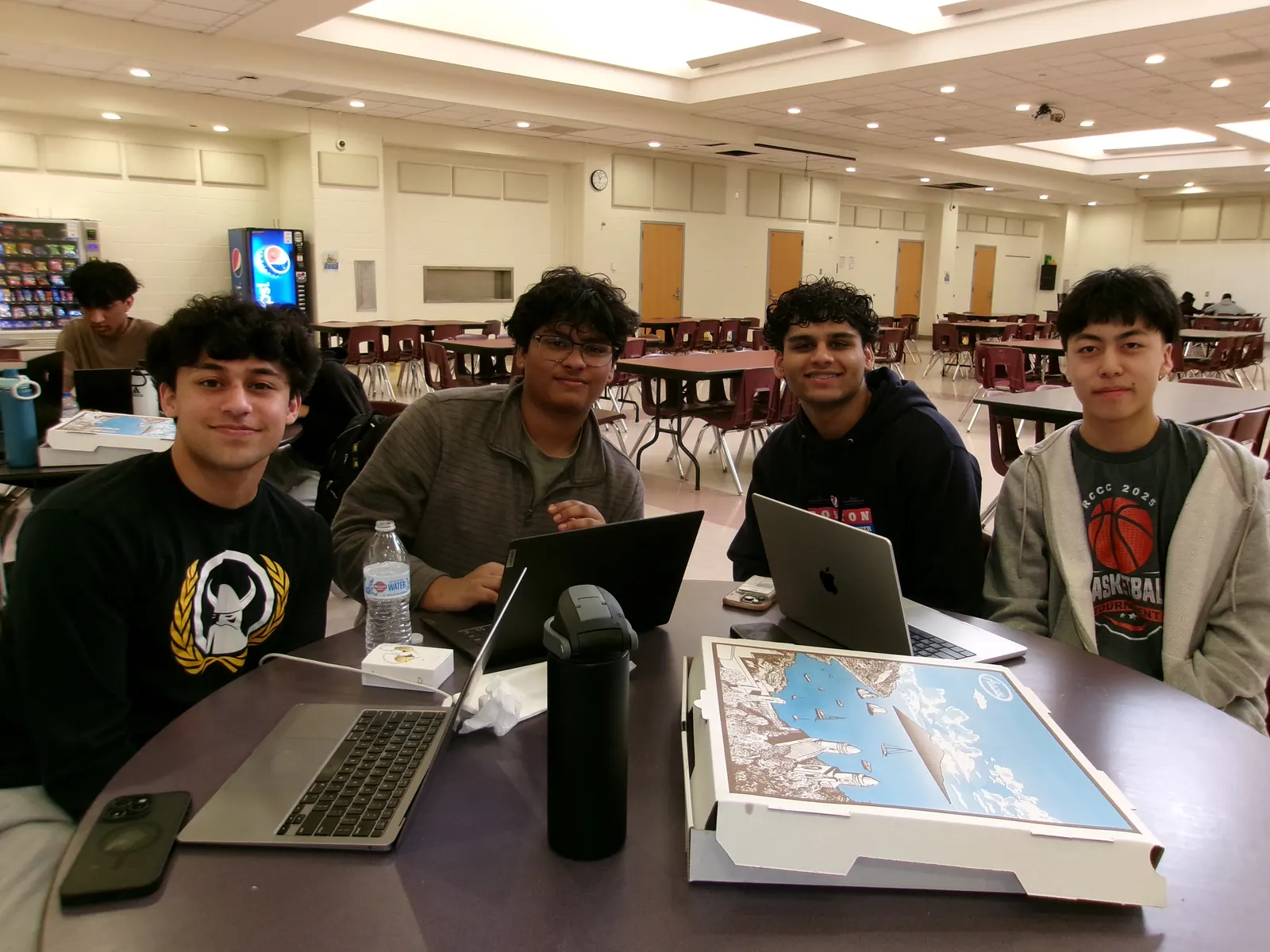
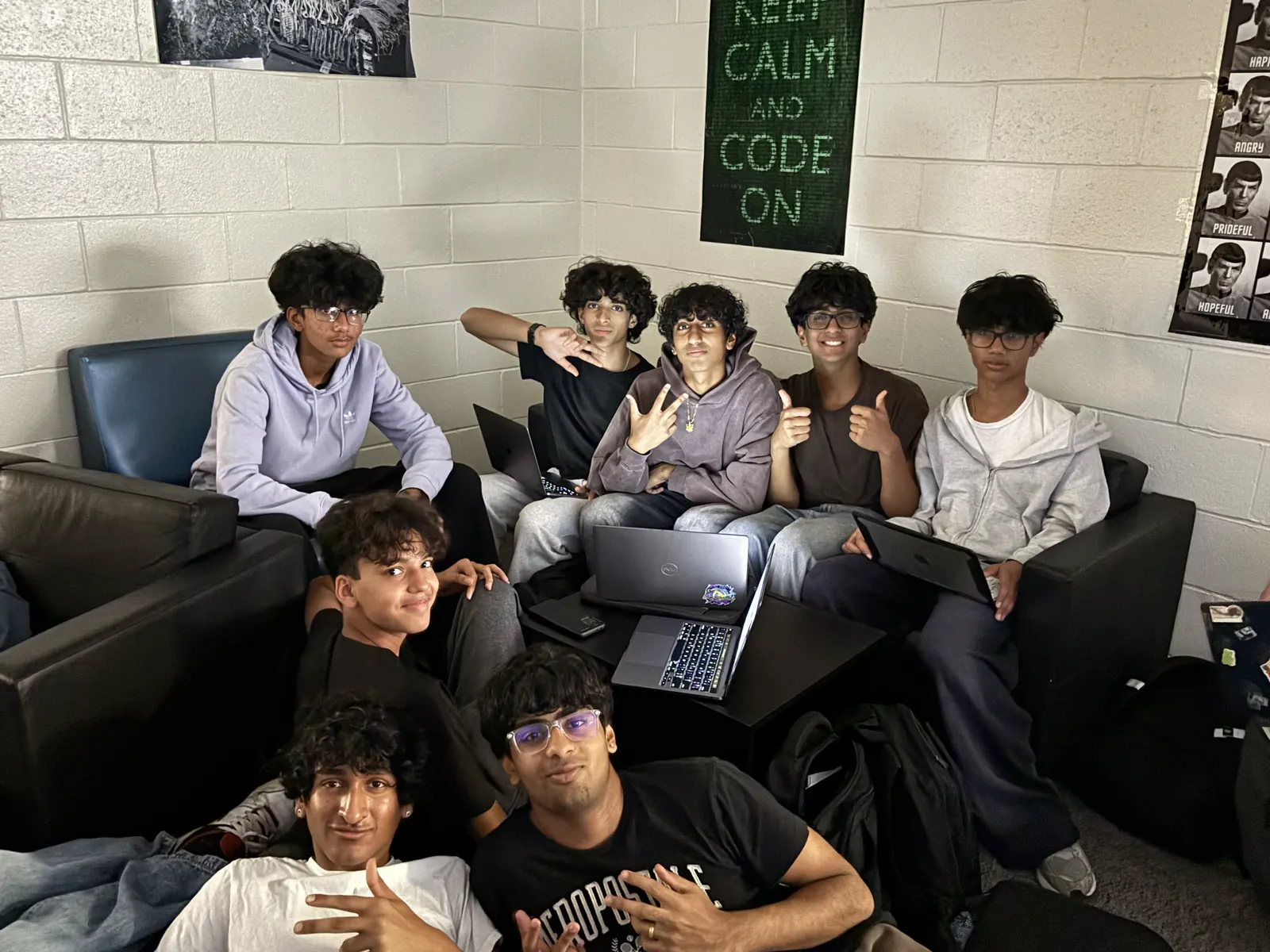
A team around a cafeteria table covered with laptops and water bottles, smiling at the camera.
Students huddle over a table, working on a small metal lockbox and paper clues.
Four students at a round table with laptops and an open pizza box.

Outside competitions

Run by other organizations, not the club. Shared with members at the kickoff.

~/about

Run by students

SBHS CS Club is a student-led club at South Brunswick High School. The student board plans the year, and board members teach every workshop.

Teacher advisors support the club and answer questions about membership and credit.

Advisors

  • Mr. Schiff
  • Ms. Robles
  • Mr. Trainor

2026–27 board · as announced by the club

~/join

Join the club

  1. Join Google Classroom

    Announcements, date changes, and workshop materials go here. Sign in with your school Google account.

    Open Google Classroom (opens in a new tab)
    Class codeb2bvgeri
  2. Pick a workshop

    Sign-ups for the first round happened at the Oct 6 kickoff. Joining now? Email csclub@sbschools.org and an officer will help you choose.

    Compare workshops
  3. Show up

    After school on meeting days, go to your workshop's room with a charged laptop. Club credit asks you to attend at least half of the meetings, plus the fees explained in the FAQ.

Meeting calendar

All published 2026–27 dates. Meetings are on Tuesdays after school.

Kickoff

  1. TueOct 62026Kickoff

Workshop round 1

Five meetings in the workshop you signed up for.

  1. TueOct 272026First workshop meeting
  2. TueNov 242026
  3. TueDec 82026
  4. TueJan 52027
  5. TueJan 262027

Workshop round 2

Pick something new for the last five meetings.

  1. TueFeb 162027
  2. TueMar 22027
  3. TueMar 302027
  4. TueApr 132027
  5. TueApr 272027

Dates can change. Check Google Classroom for updates. Questions? See the FAQ

~/faq

Questions

Still unsure? Email csclub@sbschools.org or ask an advisor.

Can I join if I've never coded?

Yes. No experience is needed to join the club. Intro to Python is built for first-time coders, and Finance + Quantitative Computing is planned as beginner-friendly.

What happens at a meeting?

After school, go straight to your workshop's room. The student leads teach a short lesson, often coding live, and then you practice and work on your project. Each workshop runs for five meetings.

What should I bring?

A charged laptop. Some workshops install software on Day 1, so check your workshop's page. You'll also want your school Google account for Classroom.

Where do I go?

Each workshop has its own room: Intro to Python in DLC / Annex 311, Finance + Quantitative Computing in Room 301, Making Music with Python in Room 304, Competitive Programming & Algorithms in Room 300, Intro to Control Systems in Room 309. Room assignments are also in the next-meeting panel at the top of the homepage.

Can I join after the kickoff?

Join the Google Classroom with code b2bvgeri, then email csclub@sbschools.org or ask an advisor so someone can help you pick a workshop.

How do I choose or change workshops?

Workshop sign-ups happened at the Oct 6 kickoff through a Google Form. You take one workshop for the first five meetings and choose something new for the last five.

If you need to switch partway through, ask an advisor or a board member.

What counts toward club credit?

The 2026–27 kickoff slides list three requirements: attend at least half of the meetings, pay the district's Pay to Participate fee ($35) through Community Pass, and pay club dues ($15). How dues are collected will be announced later.

For anything about credit that isn't covered here, ask Mr. Schiff, Ms. Robles, or Mr. Trainor.

Some workshops mention CS21 or AP CSA. Do I need those classes?

No. They're South Brunswick computer science courses, mentioned only as a rough guide to the experience a workshop expects. Each workshop page explains its level in plain terms.